2 min readUpdated  TuneSera
Once you have hundreds or thousands of stations, the filters and search on the Stations screen help you find the one you need.
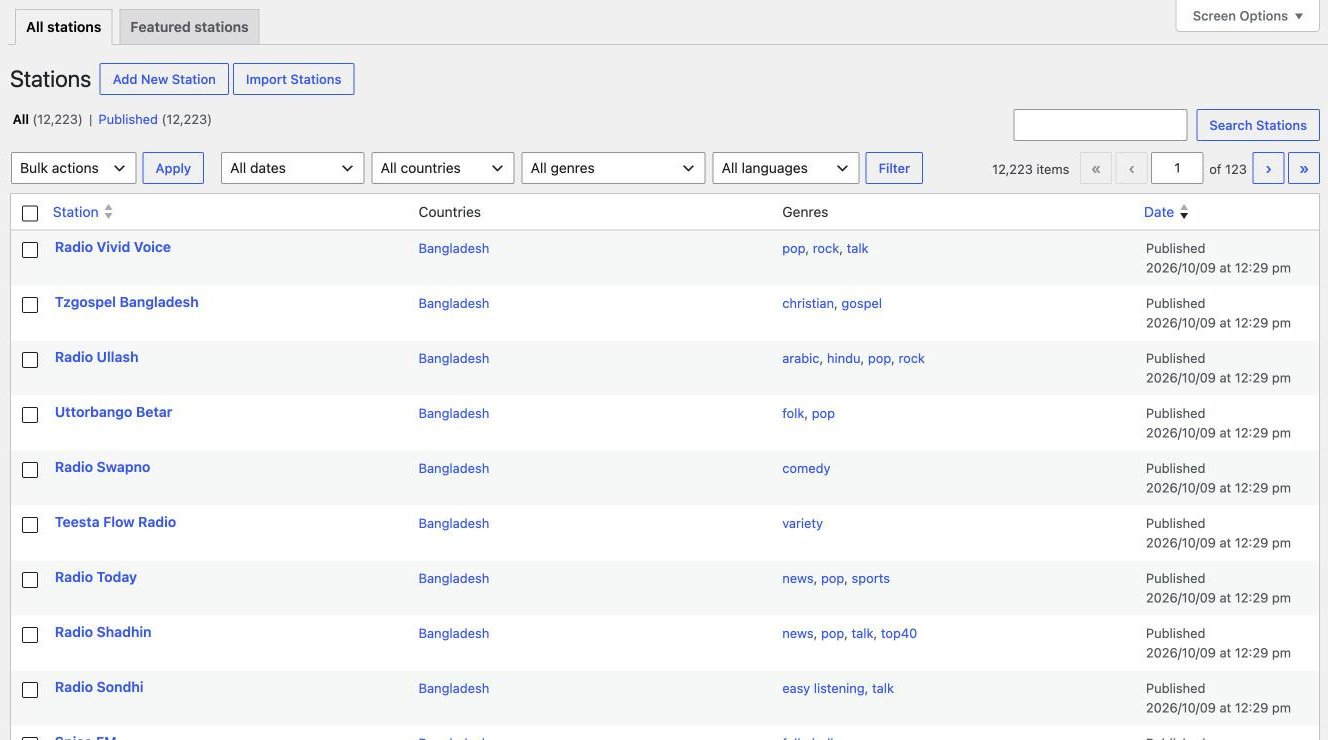
Search#
Type a station name into the search box at the top right and click Search Stations.
Filter by country, genre or language#

- Choose from All countries, All genres and All languages. You can combine them, for example “Brazil” and “pop”.
- Click Filter.
- To clear the filters, set them back to “All” and click Filter again.
You can also click any country or genre in the list to show only stations with that country or genre.
Edit several stations at once#
- Tick the stations you want to change.
- Choose Bulk edit from Bulk actions and click Apply.
- Change the status, genres or other options for all of them at once, then click Update.
Use Quick Edit under a station’s name to change its title, slug, status, countries, cities or genres without opening the full editor.
Use Screen Options at the top right to show more stations per page.
Related articles#
Was this article helpful?