2 min readUpdated  TuneSera
On this page
TuneSera Analytics has five reports. Each one answers a different question about your listeners.
Pro feature. This feature needs TuneSera Pro with an active license. Get TuneSera Pro
Choose a date range and filters#
- Use the date menu (for example Last 30 days) to pick a period, or set a custom date range.
- On the Overview, compare with the previous period to see what changed.
- Click Filters to narrow every report by station, country, device or source.
Overview#
Listening trends, key metrics and your top stations: successful plays, listeners, listening time and listening now, plus a directory summary and a daily plays chart. Click View chart data to see the numbers behind the chart.
Stations#
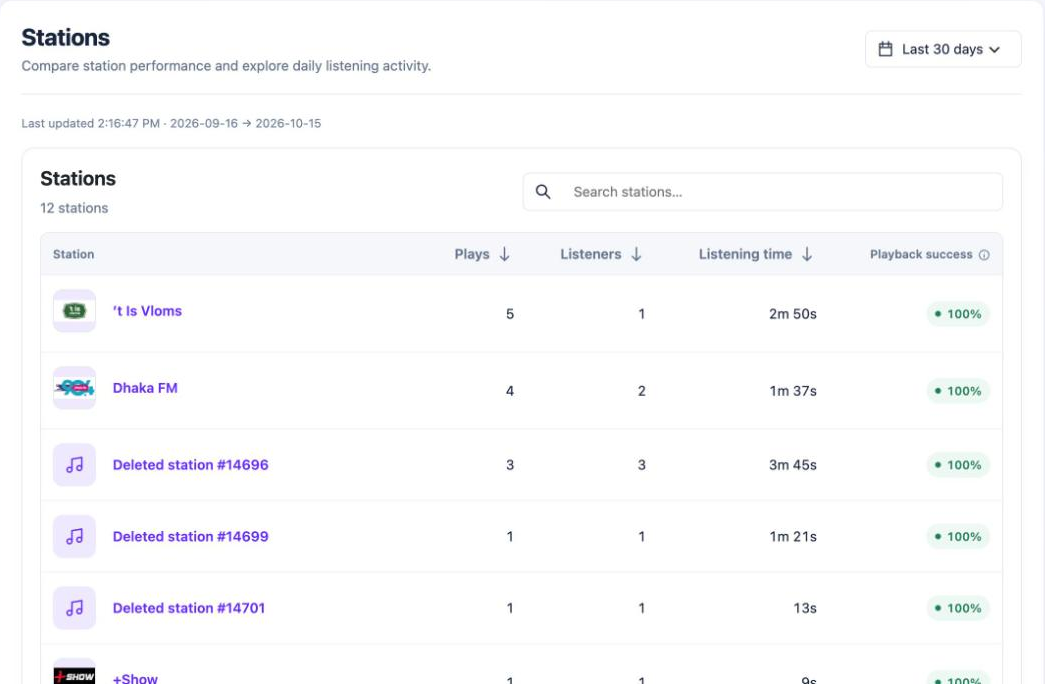
Every station with its plays, listeners, listening time and playback success. Search for a station or sort by any column, and click a station to drill down into its daily activity. Stations you have since deleted appear as “Deleted station #ID”.
Audience#
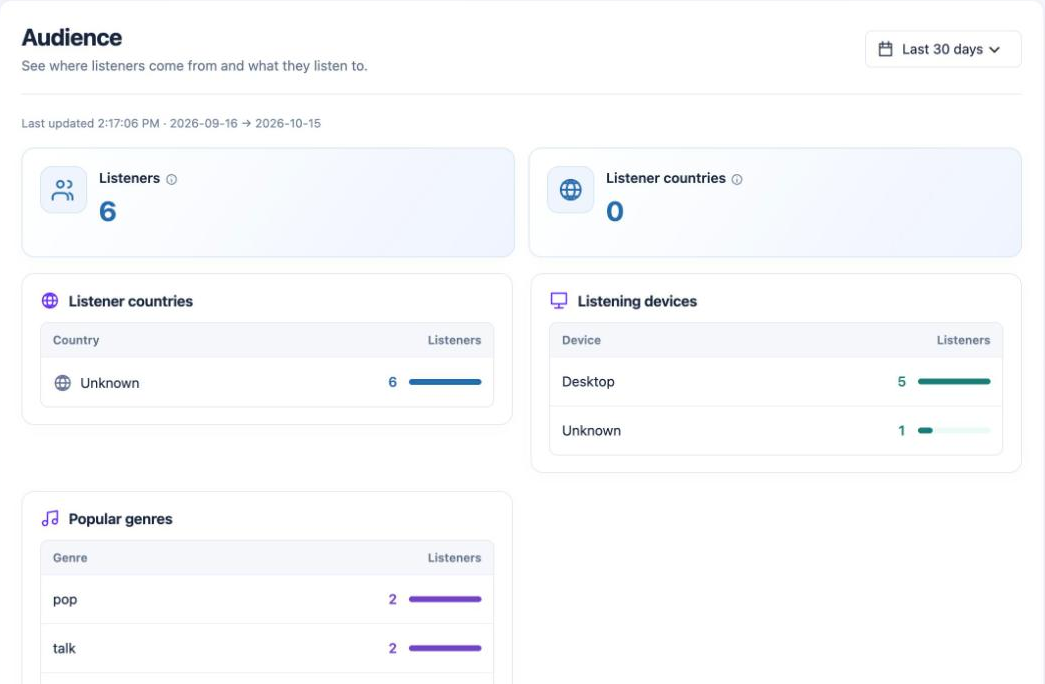
Where listeners come from and what they listen to: listener countries, devices, browsers, operating systems, popular genres and languages.
Listener country shows as Unknown unless your site runs behind Cloudflare or CloudFront, which pass the visitor’s country to WordPress. TuneSera never sends visitor IP addresses to a lookup service for analytics.
Playback Health#

How reliably stations play: the overall playback success rate, errors and connection attempts. Stations to check lists the stations with the most problems, with an Edit station button to fix their stream URL.
Live listeners#
Who is listening right now: the number of people listening, which stations are playing and from which countries. It refreshes automatically every 30 seconds, or click Refresh now.
Check Playback Health every few weeks. Stations change their stream addresses, and fixing broken ones keeps your directory reliable.