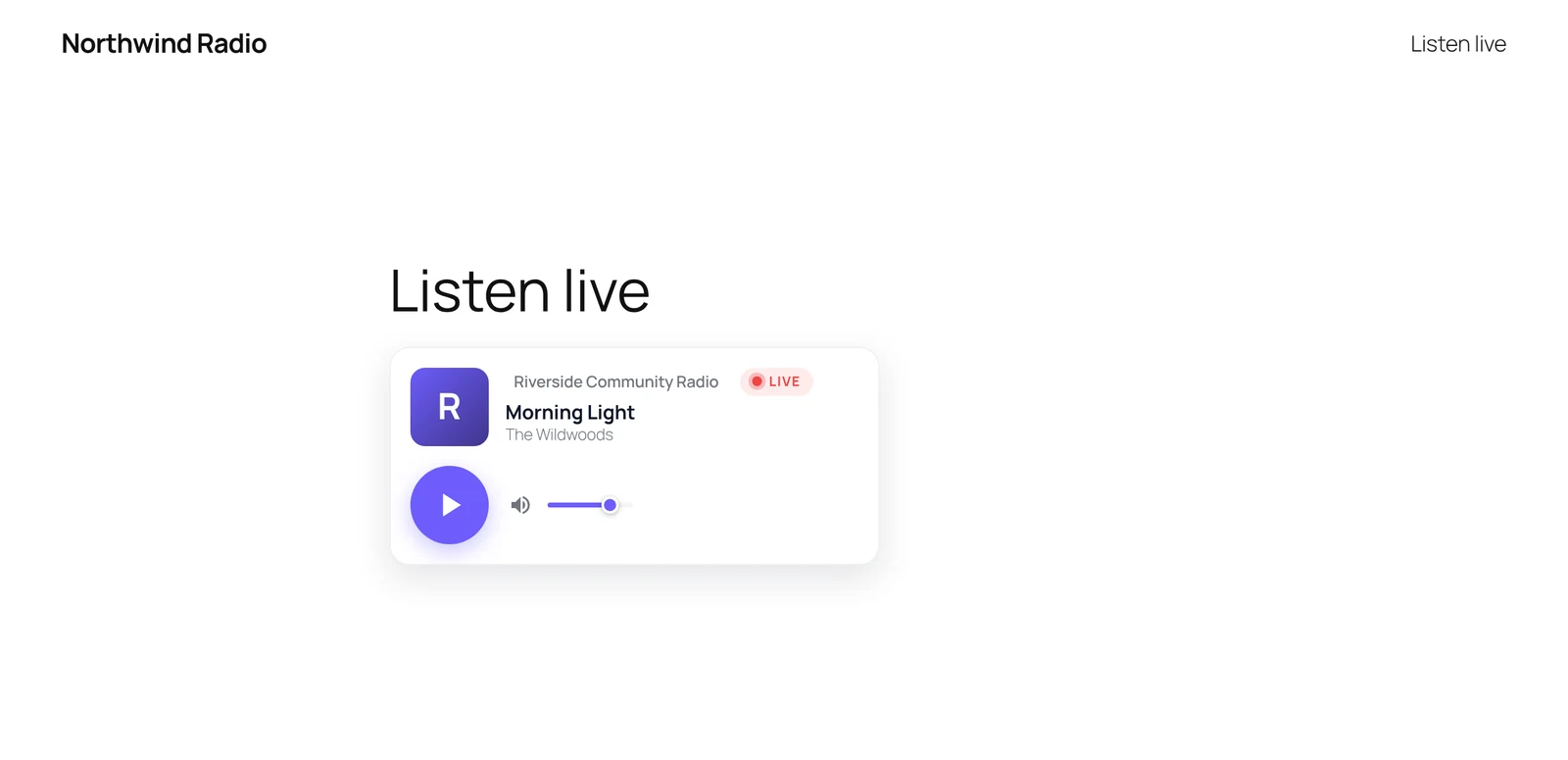
StreamSera puts your radio station on your own WordPress website. You add your stream link once, design a player in your colors and place it anywhere on your site. Listeners hear your live stream and see the song that is playing, and you manage every station from one screen in your WordPress admin.
Watch the 3-minute quick tour above, or read on for an overview.
What you can do with StreamSera#
- Manage your stations in one place. Add one station or a whole network, see which streams are on air, what is playing and how many people are listening.
- Design a player that matches your brand. Pick a layout and style, then set your colors, logo and font. You hear your real stream while you design.
- Show the song that is playing. StreamSera reads song titles from Icecast and Shoutcast servers, or from inside the stream itself.
- Put the player anywhere. Use the blocks, your page builder (Elementor, Divi, Beaver Builder, Bricks and more), a shortcode or a widget.
- Give listeners their own pages. A full-screen listen page, a page for every station and a station directory.
- Keep it light on your server. Your website checks what is playing on a timer and shares it with every listener, so your stream server is not flooded with requests.
Who StreamSera is for#
StreamSera is made for internet and community radio, college and student stations, station networks with several channels, DJs and live shows, churches, mosques and community groups that broadcast live, and venues or events with an audio stream.
What you need#
- A WordPress site running WordPress 6.6 or newer and PHP 7.4 or newer.
- A stream link from your radio host or server, for example
https://stream.example.com/live.mp3. StreamSera works with Icecast, Shoutcast, HLS (.m3u8) and MPEG-DASH (.mpd) streams, from hosts such as AzuraCast, Radio.co, Zeno.FM or your own server. - An HTTPS stream if your site uses HTTPS. Browsers block
http://streams onhttps://pages. Most hosts give you an HTTPS address; ask yours if you are not sure.
Tip: You can find your stream link in your radio host’s control panel. It is usually called “stream URL”, “listen URL” or “mount point”.
Free and Pro#
Everything described above is free and available on WordPress.org. StreamSera Pro adds a show schedule with hosts, song requests and shout-outs, listening statistics, a sticky player that keeps playing while visitors browse, playlists and podcasts, more layouts and much more. See StreamSera Free vs Pro for the full comparison.
Next steps#
- Install StreamSera and set up your radio station — it takes about five minutes.
- Get to know the StreamSera dashboard.
- Want the Pro features? Try StreamSera Pro free for 3 days.