On this page
This is a StreamSera Pro feature. Try Pro free for 3 days or see the plans.
StreamSera Pro counts listeners on your own site, without cookies or IP addresses. You see how many people listen, when, on which devices and to which shows and tracks.
Turn on listening stats#
Go to StreamSera → Settings → Analytics & privacy and switch on Listening stats. Listeners are counted with a hash that changes every day: no cookies, no IP addresses, and Do Not Track is respected.

Read your statistics#
Go to StreamSera → Analytics. Choose a station and a range (24 hours, 7, 30 or 90 days).
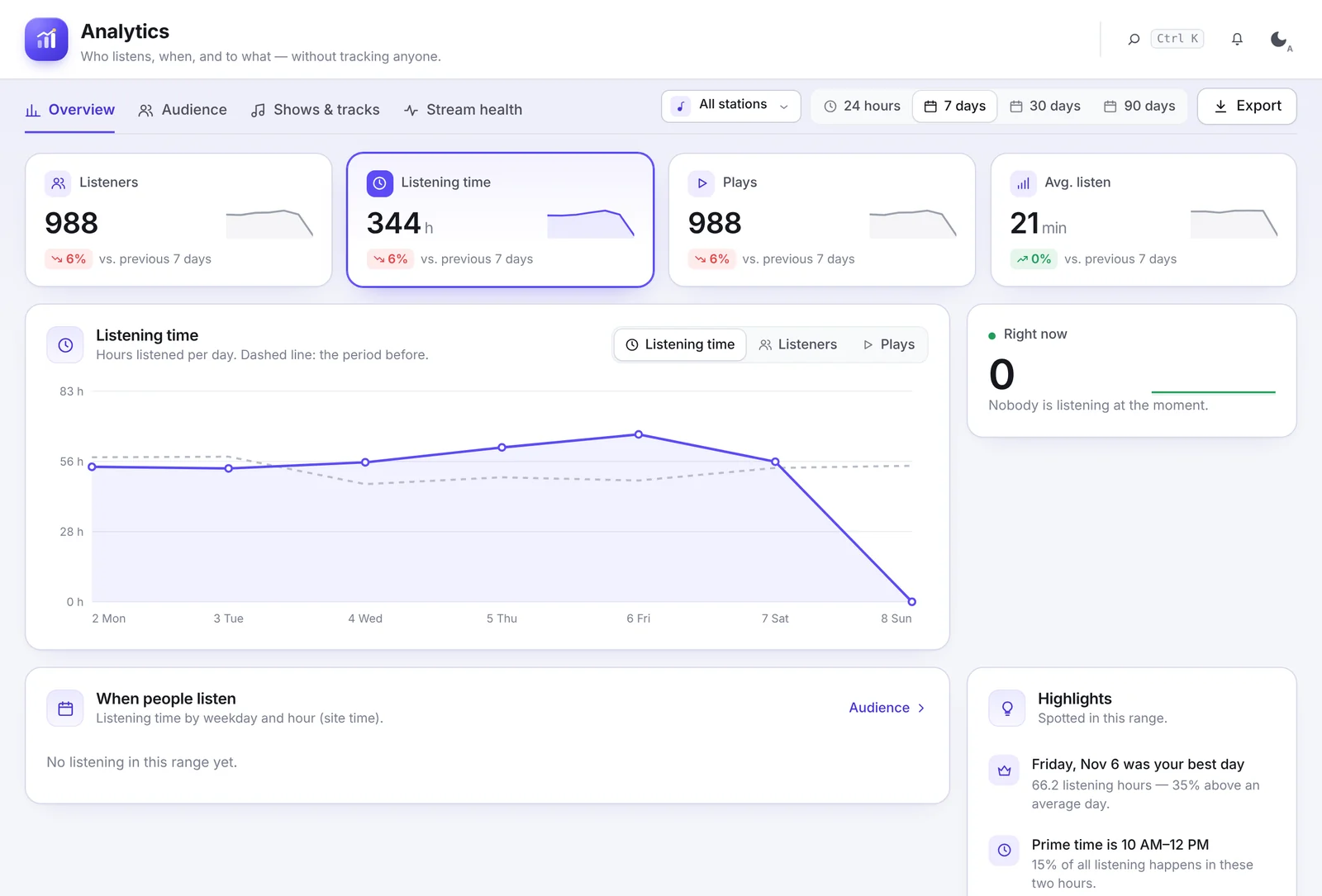
- Overview: listeners, listening time, plays and average listen time compared with the previous period, a daily chart, when people listen (by weekday and hour), highlights, top shows, top tracks and listening by station.
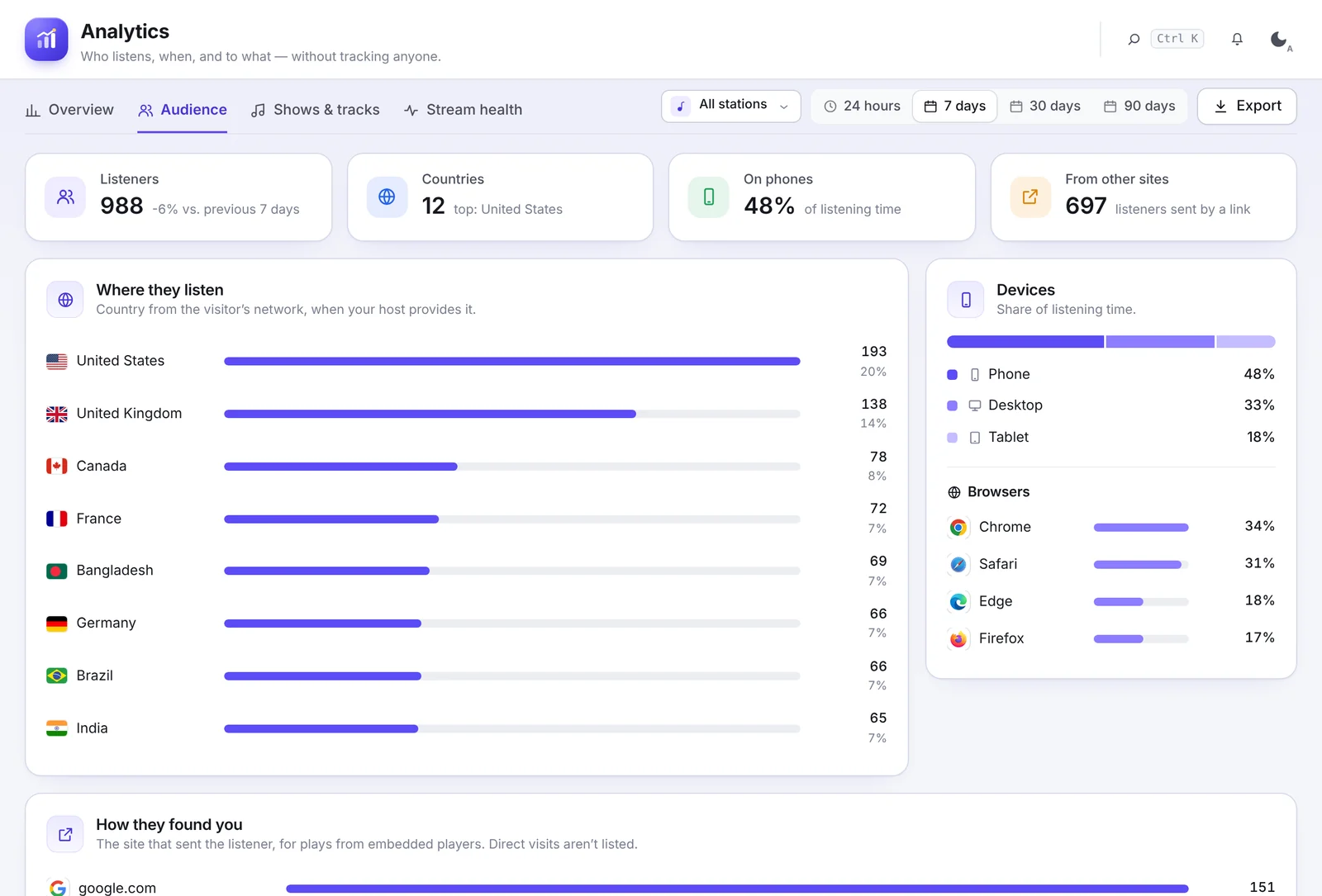
- Audience: where people listen (country, when your host provides it), devices and browsers, the sites that sent listeners and which embedded players get the plays.
- Shows & tracks: listening per show (shows on the schedule get the credit automatically), top tracks and the play history.
- Stream health: uptime per stream, playback errors and recent outages.
Click Export to download the numbers as a file.
Get reports by email#
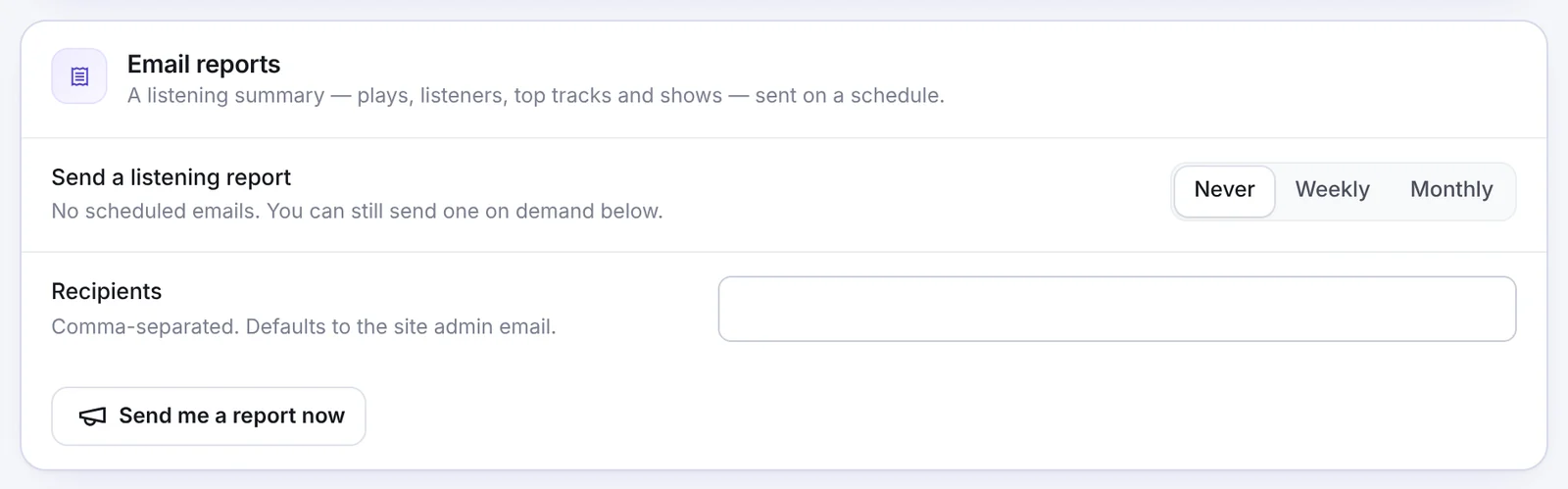
Under Email reports, choose Weekly or Monthly and add recipients (comma-separated; the site admin email by default). Send me a report now sends one right away.
Consent and data retention#
- Consent: most sites do not need consent for these stats, but if your privacy policy asks for opt-in, enter the cookie your consent banner sets (for example
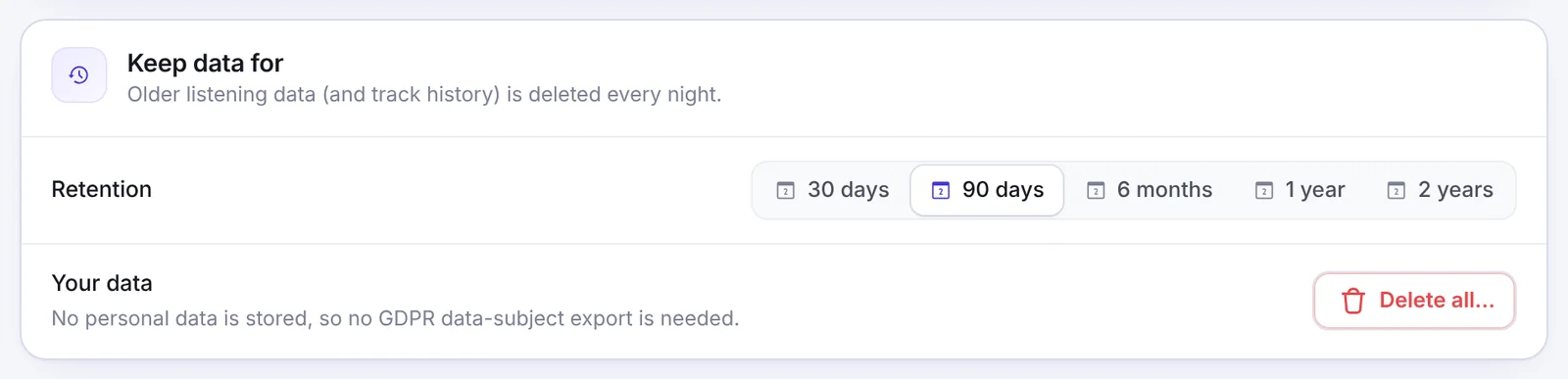
cookieyes-analytics) under Wait for this cookie. - Keep data for: 30 days, 90 days, 6 months, 1 year or 2 years. Older data is deleted every night. Delete all… removes everything now.
Send stats to your analytics tool#
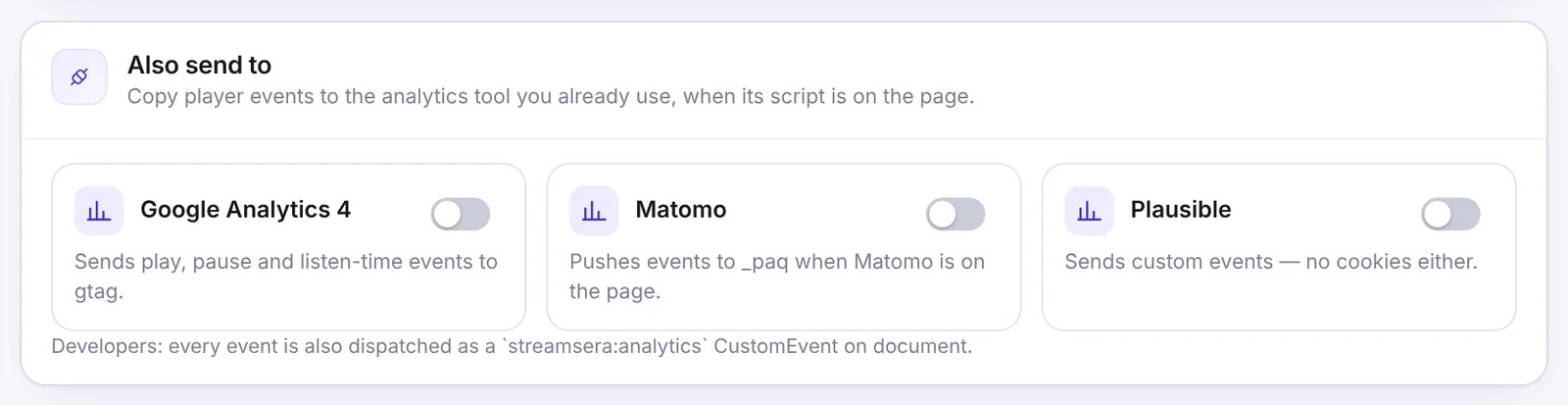
Under Also send to, copy player events to Google Analytics 4, Matomo or Plausible when their script is already on your page. Developers can also listen for the streamsera:analytics event.