On this page
Once your player looks right, you can put it anywhere: on a page or post, in a sidebar, in your page builder, across the whole site or even on another website.
The quickest way: the Embed dialog#
Open the player in the builder and click Embed. Pick where you want it:
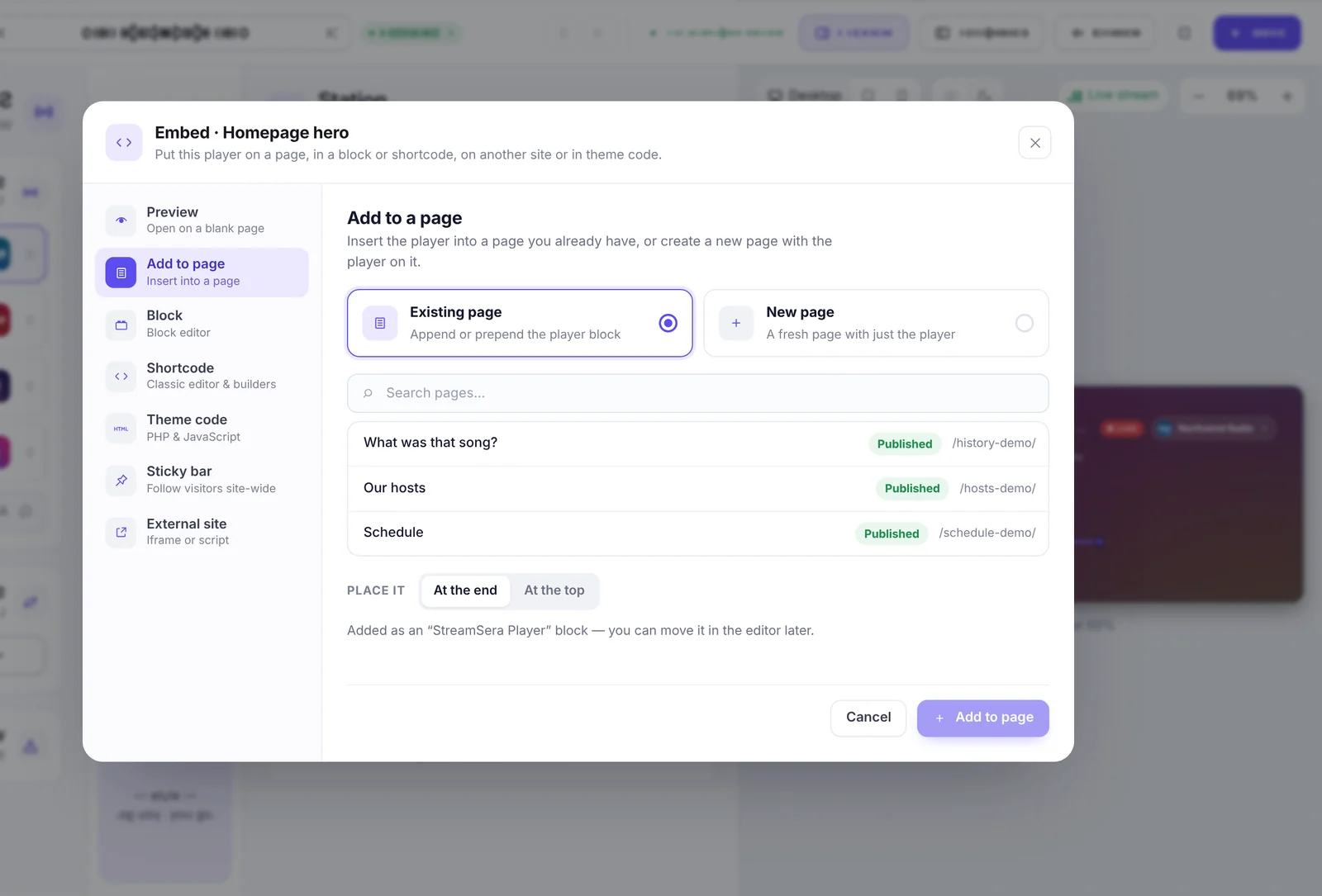
- Preview: open the player on a blank page.
- Add to page: insert the player into an existing page (at the end or at the top), or create a new page with just the player.
- Block: step-by-step help for the block editor.
- Shortcode: the shortcode for classic editors and page builders.
- Theme code: PHP and JavaScript for theme developers.
- Sticky bar [Pro]: follow visitors across the whole site.
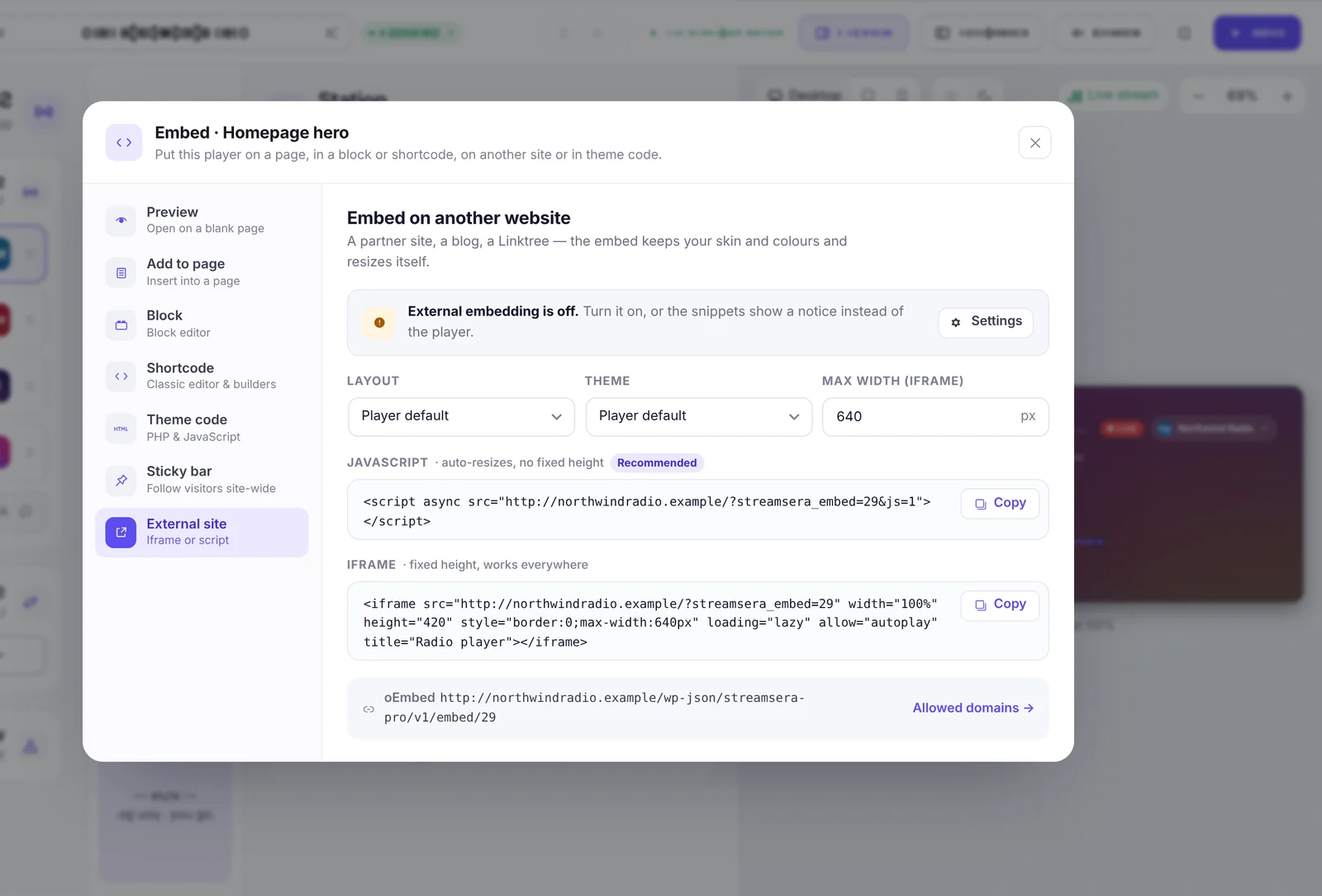
- External site [Pro]: an iframe or script for other websites.
Block editor#
- Edit a page or post and click +.
- Search for StreamSera and add the StreamSera Player block.
- Pick your player in the block sidebar. You can override the layout and theme per block.
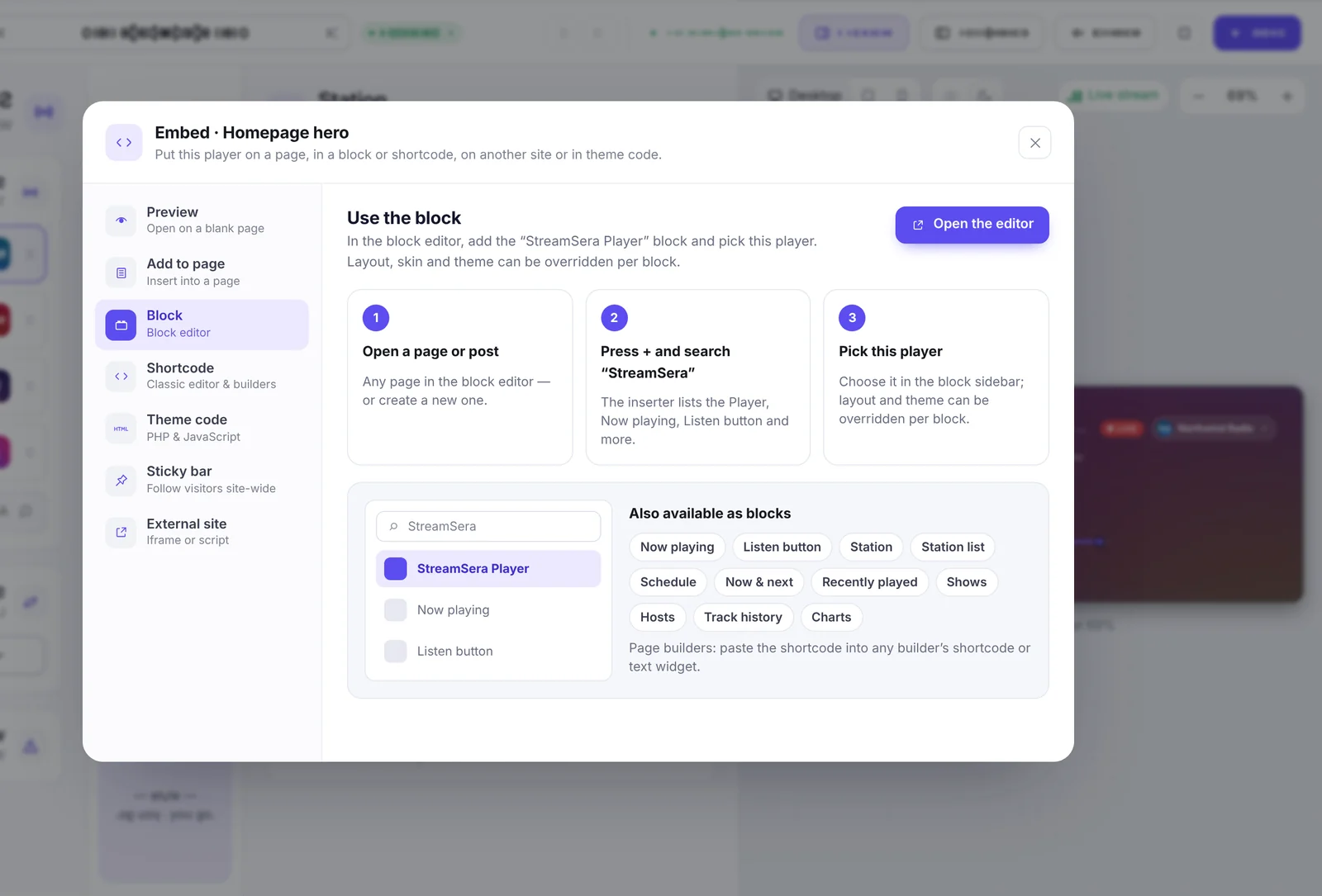
More blocks are available: Now playing, Listen button, Station and Station list. With Pro you also get Schedule, Now & next, Recently played, Shows, Hosts, Track history and Charts.
StreamSera also adds block patterns: a hero player, a sidebar box and a station landing page. Find them under Patterns in the block inserter.
Page builders#
- Elementor, Divi 4 and Divi 5: native StreamSera widgets and modules. Search for “StreamSera” in the builder’s element list.
- Beaver Builder and Bricks: a StreamSera Player element.
- Breakdance, Oxygen and any other builder: paste a shortcode into the builder’s shortcode or text element.
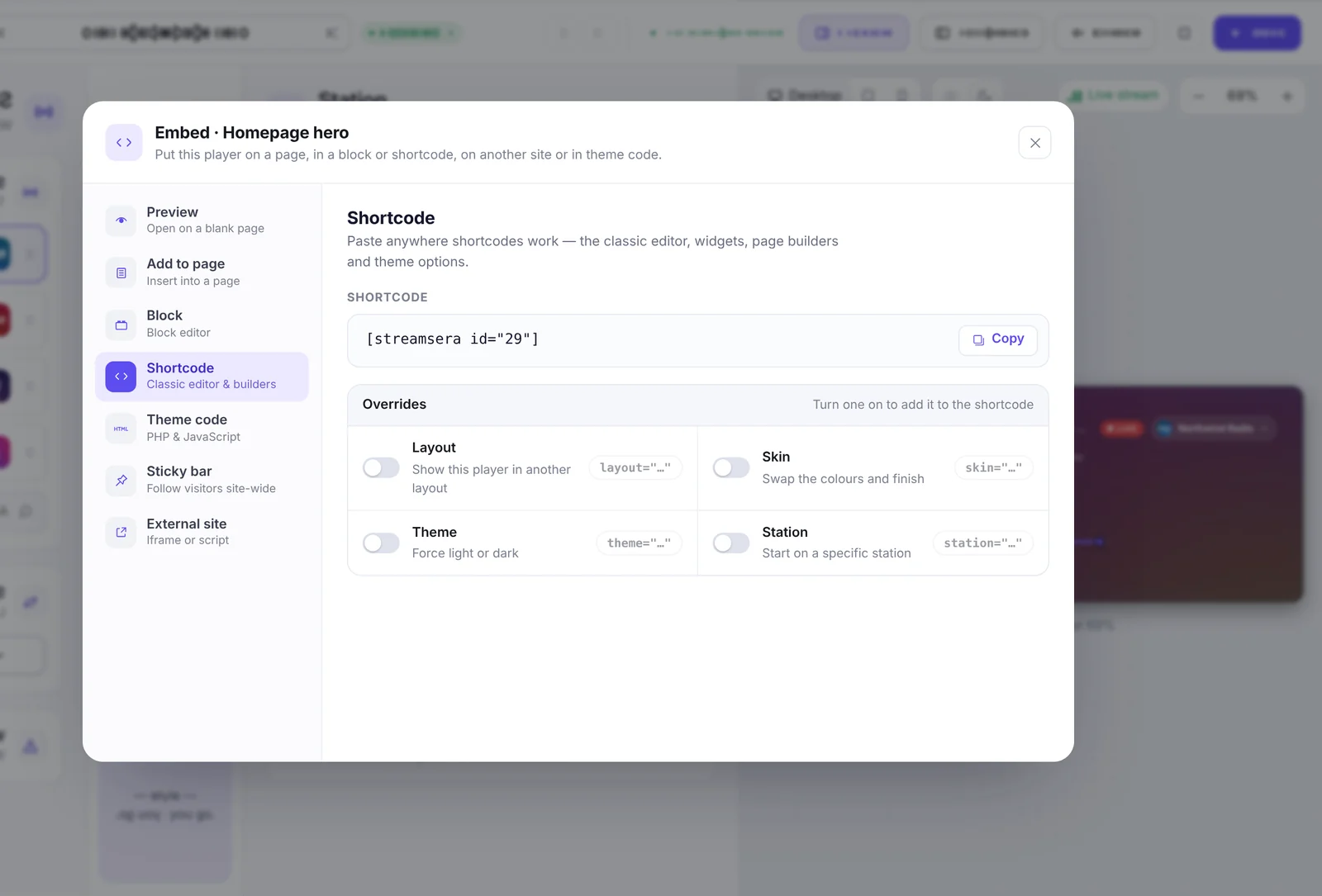
Shortcodes#
| Shortcode | What it shows | Plan |
|---|---|---|
[streamsera id="12"] | A player you built | Free |
[streamsera_now_playing station="5"] | The current song, updating live | Free |
[streamsera_listen_button label="Listen live"] | A “Listen live” button | Free |
[streamsera_station station="5"] | A station card | Free |
[streamsera_stations columns="3"] | A station directory with search and genre filters | Free |
[streamsera_recently_played station="5"] | The last tracks played | Pro |
[streamsera_schedule station="5" layout="week"] | The show schedule | Pro |
[streamsera_now_next station="5"] | The show on air now and the next one | Pro |
[streamsera_show] and [streamsera_shows] | One show, or cards for your shows | Pro |
[streamsera_host] and [streamsera_hosts] | One presenter, or cards for your presenters | Pro |
[streamsera_history station="5"] | A searchable track history | Pro |
[streamsera_charts station="5" period="week"] | The most-liked tracks | Pro |
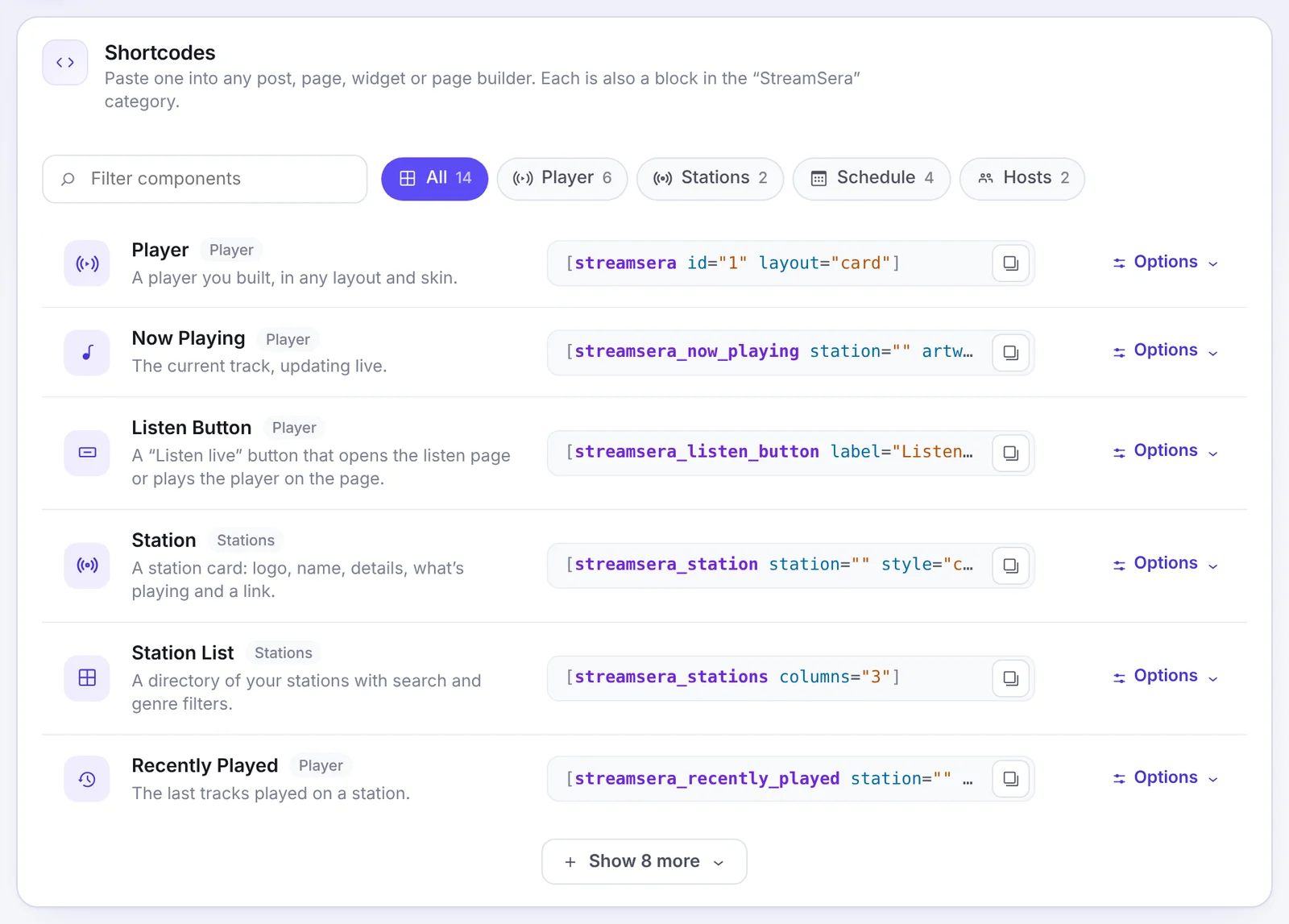
Replace the numbers with your own player or station ID. Settings → Integrations → Shortcodes lists every shortcode with its options and a copy button.
Classic widgets#
On themes with classic widget areas, go to Appearance → Widgets and add a StreamSera widget to your sidebar or footer.
Sticky player on every page [Pro]#
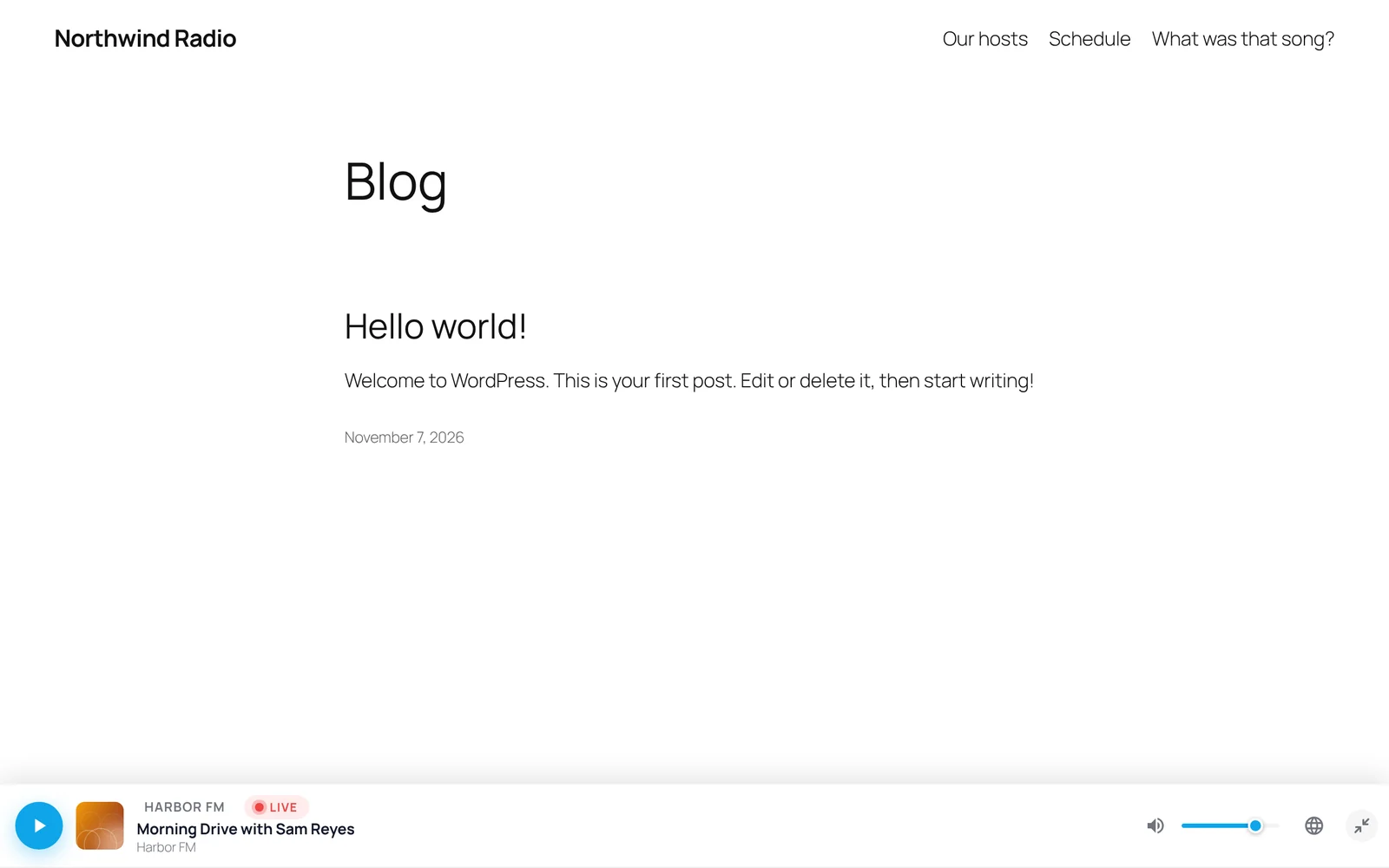
A sticky player stays on screen while visitors browse your site. Set it up under StreamSera → Settings → Player → Sticky player.
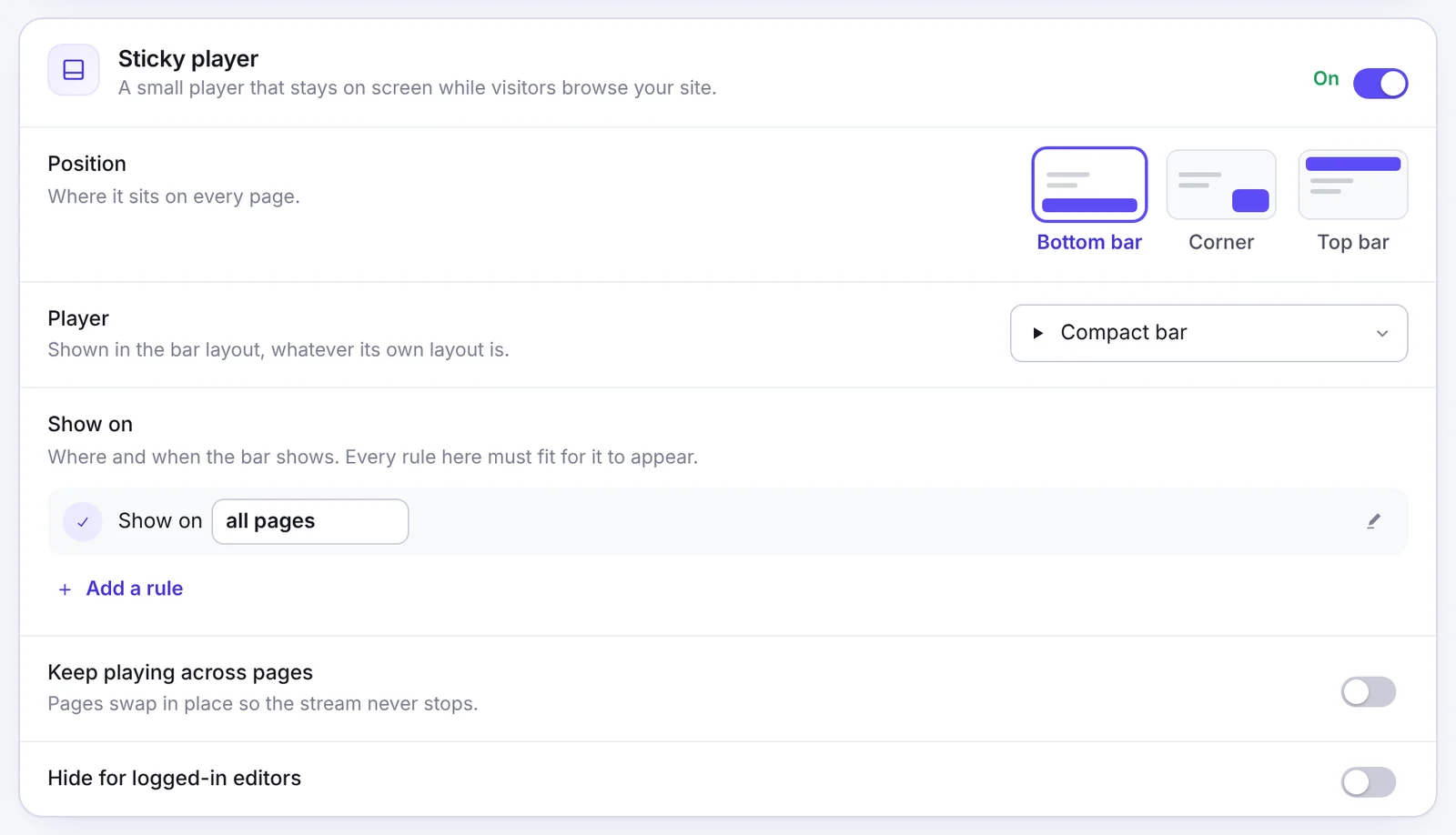
- Position: bottom bar, corner or top bar.
- Player: which player to show. It appears in the bar layout.
- Show on: rules for where and when the bar appears, for example all pages, certain pages, post types, categories or URL patterns, only while on air, or between dates. Every rule must match.
- Keep playing across pages: pages load in place so the music never stops while visitors click around.
- Hide for logged-in editors.
Embed on another website [Pro]#
Turn on Settings → Integrations → External embed. Every player then gets an External site tab in its Embed dialog with an iframe and a one-line script you can paste on any website.
Tip: Free and Pro: paste a station page link into another WordPress post and WordPress shows the player automatically.