On this page
All site-wide options live under StreamSera → Settings. Players can override many of them in the builder. Use the search box at the top of the settings menu (or press /) to jump to any option. Changes save automatically.
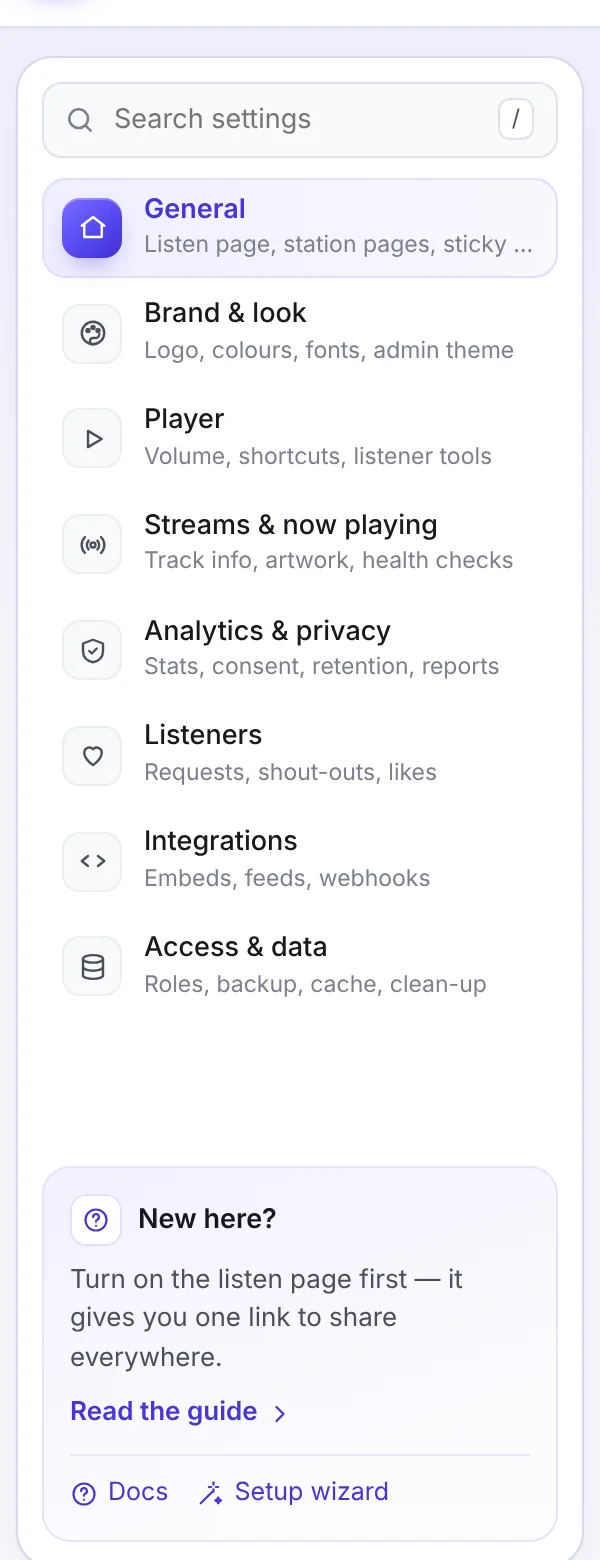
General#
The pages StreamSera adds to your site.
- Listen page: a full-window player page with its address, player and what shows under it.
- Station pages: a public page per station and a station directory, with address, player, theme and sections.
Details: How to Create a Listen Page and Station Directory.
Brand & look#
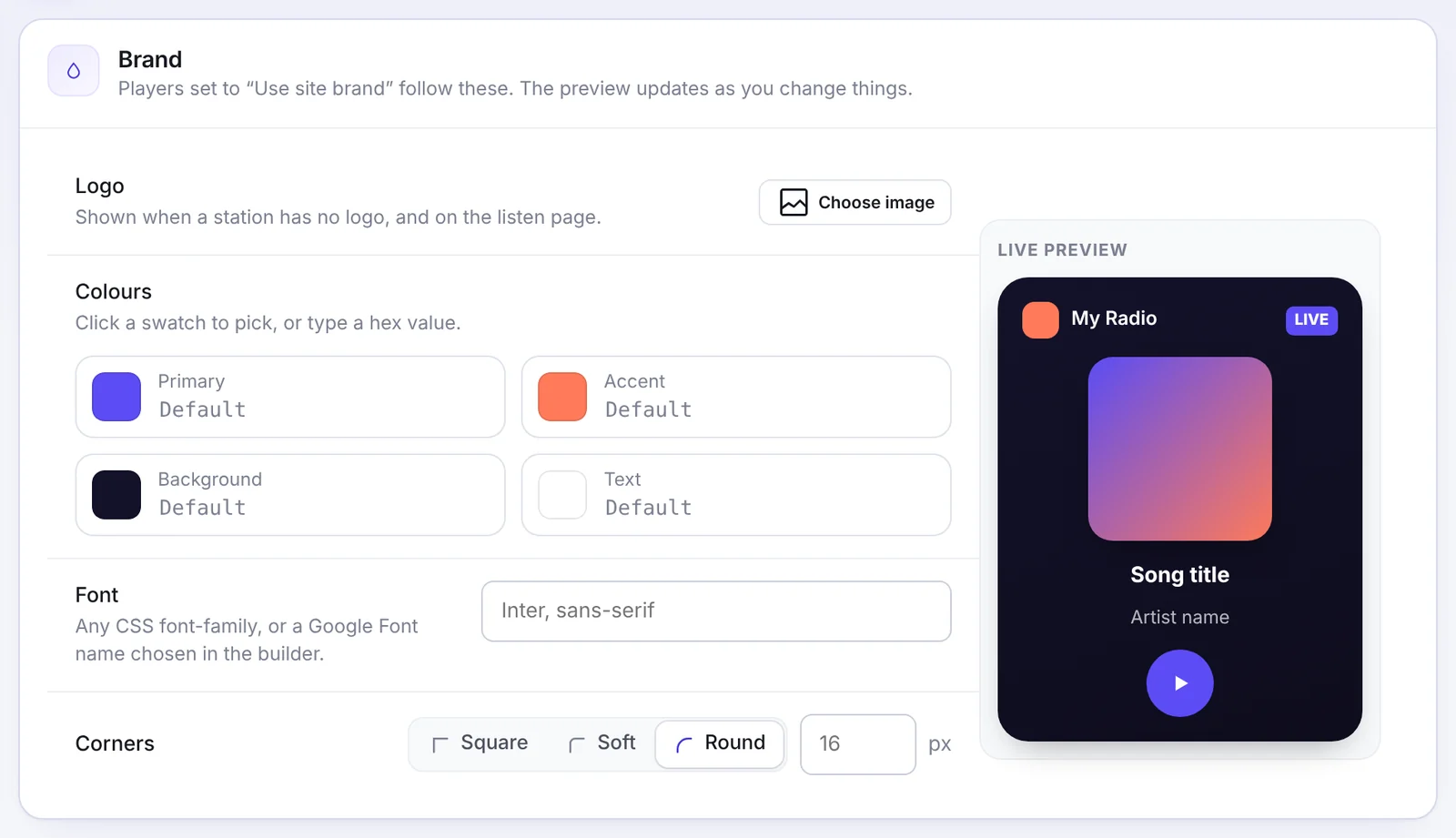
- Brand [Pro]: logo, colors, font and corners for every player set to use the site brand. The logo is also used when a station has none.
- Credit link: an optional, small “Powered by StreamSera” link on hero and full-page players. It is off by default.
- Admin theme: light, dark or follow your computer for the StreamSera screens.
- Custom CSS [Pro]: styles applied to every player, scoped to each player.
Player#
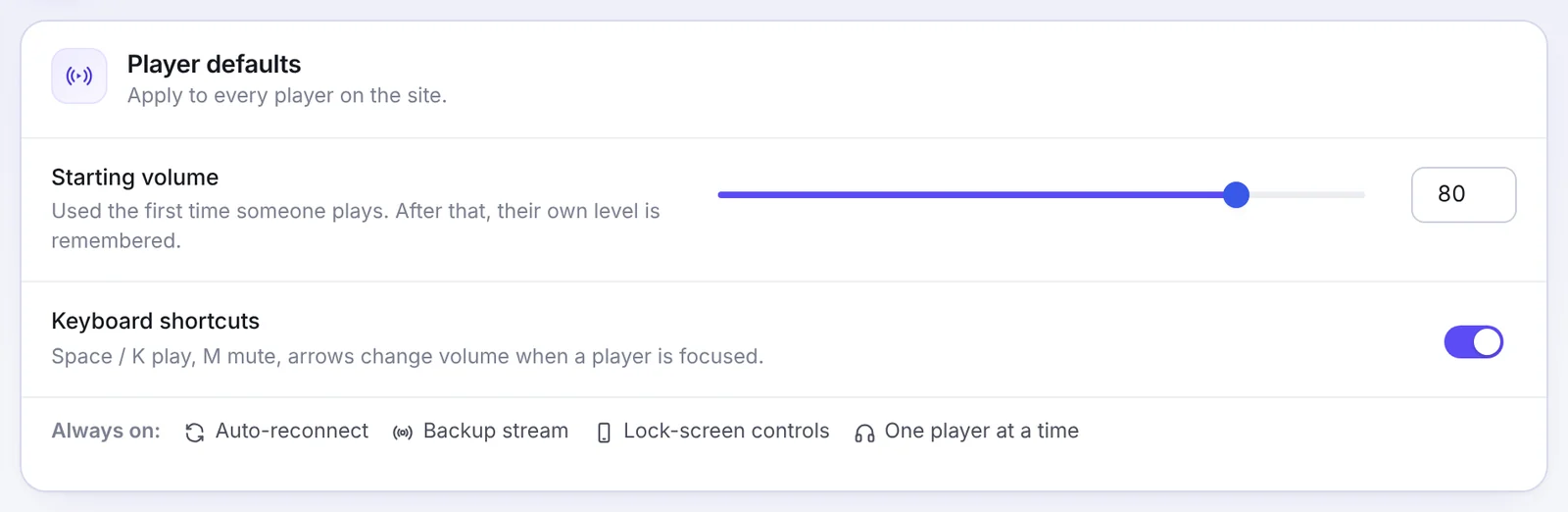
- Starting volume: used the first time someone plays; after that their own level is remembered.
- Keyboard shortcuts: Space or K to play, M to mute and the arrow keys for volume when a player is focused.
- Sticky player Pro]: a player that stays on screen while visitors browse, with position, display rules and Keep playing across pages. See [How to Add a Radio Player to Any Page.
- Listener tools [Pro]: equalizer, playback speed and a sleep timer for every player.
Streams & now playing#
- Track info refresh: how often your site asks stream servers what is playing (15 seconds suits most stations) and whether to keep it fresh when nobody listens.
- Sources & real-time push [Pro], Artwork & track details [Pro] and Track history [Pro].
- Stream health checks [Pro] and the Mixed-content proxy [Pro].
Details: How to Show the Song Now Playing and How to Keep Your Radio Stream Playing Reliably.
Analytics & privacy [Pro]#
Cookie-free listening stats, consent, how long data is kept, sending events to your analytics tool and email reports. Details: How to Track Radio Listening Statistics.
Listeners [Pro]#
Song requests, shout-outs, notifications, the on-air board, and likes and charts. Details: How to Take Song Requests and Shout-Outs.
Integrations#
- Shortcodes: every shortcode with its options and a copy button.
- Feeds & overlays: OBS/vMix overlay, now playing as text or JSON, .m3u/.pls links and, with Pro, a track history RSS feed.
- External embed [Pro], Outgoing webhooks [Pro] and Incoming push [Pro].
Details: How to Add a Radio Player to Any Page and the Developer Guide.
Access & data#
- Who can manage StreamSera Pro]: what each WordPress role can open. See [Roles and Permissions.
- Saving: switches save right away and text after you stop typing; every save can be undone for 10 seconds. Turn Save automatically off to save with a button instead.
- Backup & move: export and import. See Export, Import and Multisite.
- Caches: Clear if a player shows old song info.
- Danger zone: remove all StreamSera data when the plugin is deleted.
