
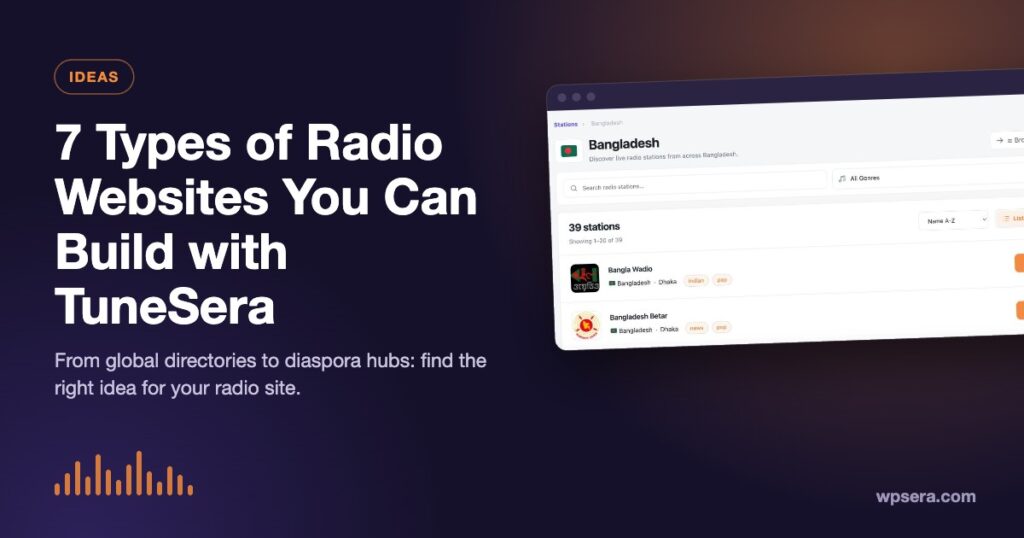
Thinking about starting a radio website but not sure what kind? Internet radio is a big, diverse world, and a WordPress site with TuneSera can take many shapes. Here are seven types of radio website you can build, who each one is for, and the TuneSera features that make it work.
1. A global radio directory
The classic: thousands of stations from around the world, searchable by name and filterable by country, genre and language. It’s the kind of site that attracts search traffic for every country, city and genre it covers.

Key features: the directory page, location and genre archives, and, with Pro, the 70,000+ station global catalog and local discovery, which starts each visitor on stations from their own country.
2. A single-country radio portal
Focus on one country and do it better than anyone: every station, organized by state or division and city. Think “All radio stations in Bangladesh” or “Live radio from Kenya”. A focused portal is easier to make complete, and its city pages make natural local landing pages.
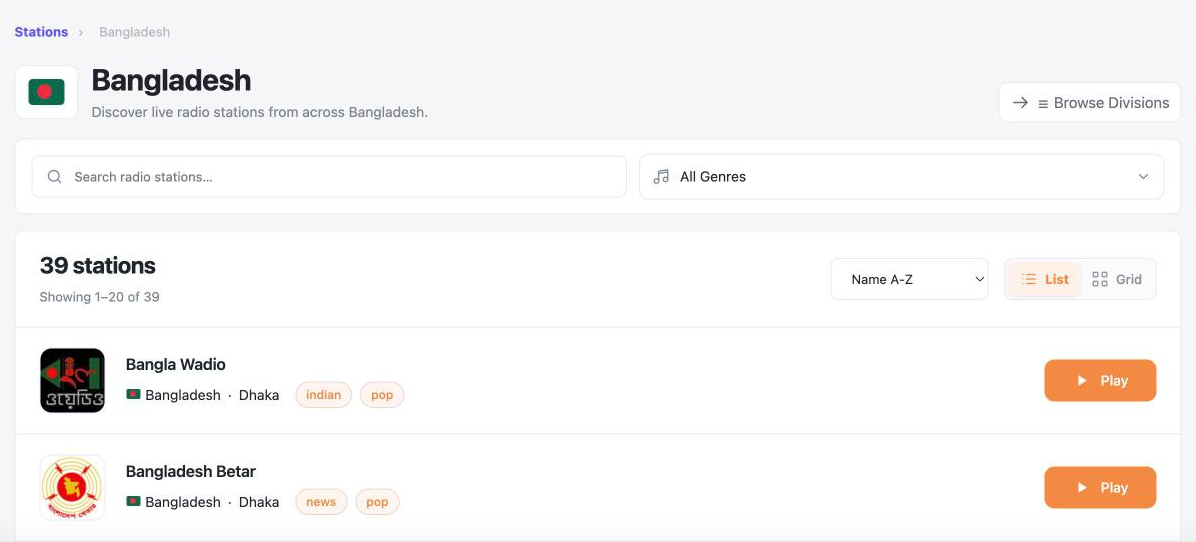
Key features: import by country, location archives with breadcrumbs and descriptions, and hiding the country filter when you only cover one country.
3. A genre radio site
Jazz, gospel, talk, news, classical, K-pop: genre sites serve dedicated fans who want depth over breadth. Curate the best stations in your niche and surround them with articles, playlists and recommendations.
Key features: genre archives, the [tunesera_stations] shortcode filtered by genre, and Pro featured stations to spotlight your picks. For example:
[tunesera_stations genre="jazz" view="grid" columns="3" limit="12"]4. A diaspora or community hub
For people living away from home, a familiar station is a lifeline. A community site can bring together every station from home, in a shared language, alongside community news and events. Sharing to WhatsApp and other apps helps it spread by word of mouth.
Key features: the language filter and language browse page, sharing destinations including WhatsApp and the native share sheet, and Pro local discovery with a fallback country.
5. A station or network website
If you run a radio station or a small network, TuneSera gives each station a proper page with logo, description, frequency, contact details and social links, plus a player that keeps going while visitors read your news and schedules.
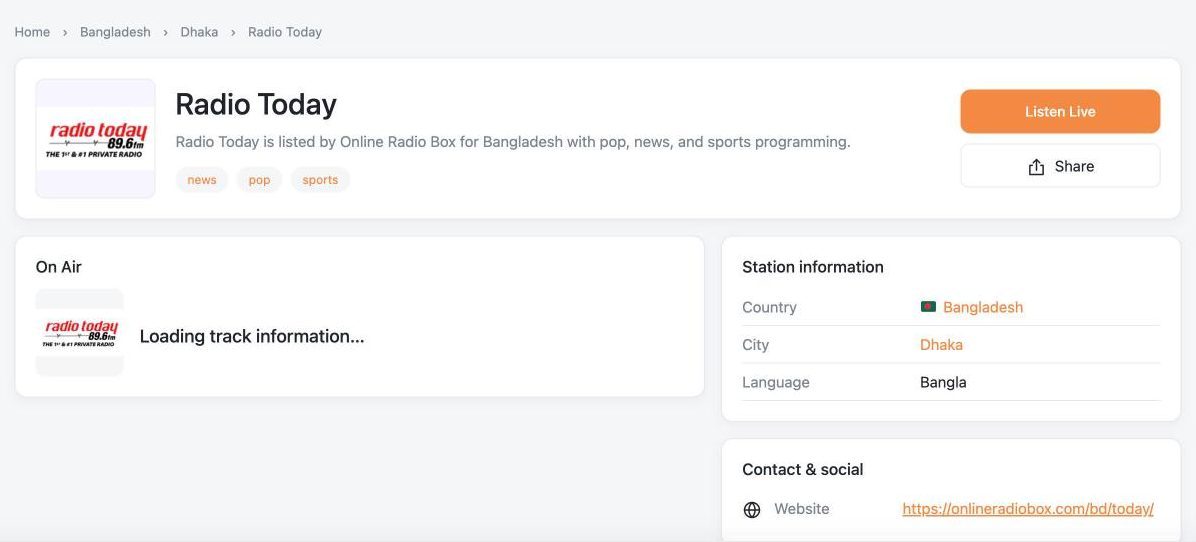
Key features: manual station entry with a stream tester, and Pro’s always-on sticky player with a default station and the [tunesera_player] shortcode for a “Listen live” button in your homepage hero. See How to Add a Live Radio Player to Your WordPress Site.
6. A language-learning radio site
Listening to native-speaker radio is one of the best ways to learn a language. A site that groups stations by language, with notes on accents and difficulty, gives learners an easy daily habit.
Key features: the language filter and [tunesera_browse_languages], station descriptions for learner notes, and the Pro sleep timer for learners who listen at night.
7. A local news and talk radio hub
Local news and talk stations are often hard to find online. A hub that collects them for a region, with links to each station’s website and social channels, becomes a go-to resource for residents and journalists.
Key features: city archives, station pages with website, social and Wikipedia links, and genre filters for news and talk. For example:
[tunesera_stations country="bangladesh" city="dhaka" genre="news" view="grid" columns="3"]Mix and match
These types aren’t exclusive. A global directory can have genre landing pages, and a station website can list partner stations. Because TuneSera uses shortcodes, you can build a directory page, a featured section, a country browse page and a search box into any layout you like.

Pick your idea and start building
Whichever type you choose, the setup is the same. Follow our step-by-step guide to building a radio directory website, import the stations that fit your idea, and shape the design around your audience. When you need more stations or insight into your listeners, TuneSera Pro is there.
Frequently asked questions
Which type of radio website gets the most traffic?
Broad directories can reach the most searches, but focused sites (one country, genre or language) are easier to make complete and often rank faster in their niche.
Can I build more than one type on the same site?
Yes. Shortcodes let you create separate landing pages for countries, genres or featured stations on one TuneSera site.

Join the conversation